SELFITGOLF

Swing coach · Shot tracer

Understand your swing

AI-powered analysis in 5 swing phases. Record one swing on your phone and see 18 measurements, a clear score and exactly what to work on next.

Free on iPhone and Android

Just record it

One swing is enough to analyse your posture

Swing report

78Overall score
  • Swing tempo3.1 : 1
  • Head sway12%
  • Shoulder rotation88°
  • Early extension14%

Top priority correction

Your pelvis moves toward the ball at impact.

SELFIT GOLF

  • 18swing measurements
  • 5swing phases
  • 3Dball flight solved
  • 100%analysed on your phone

Everything in one app

Your swing. Your shot. Your gear.

Practical tools that help everyday golfers understand their technique and equipment — without a coach standing next to them.

Swing Coach

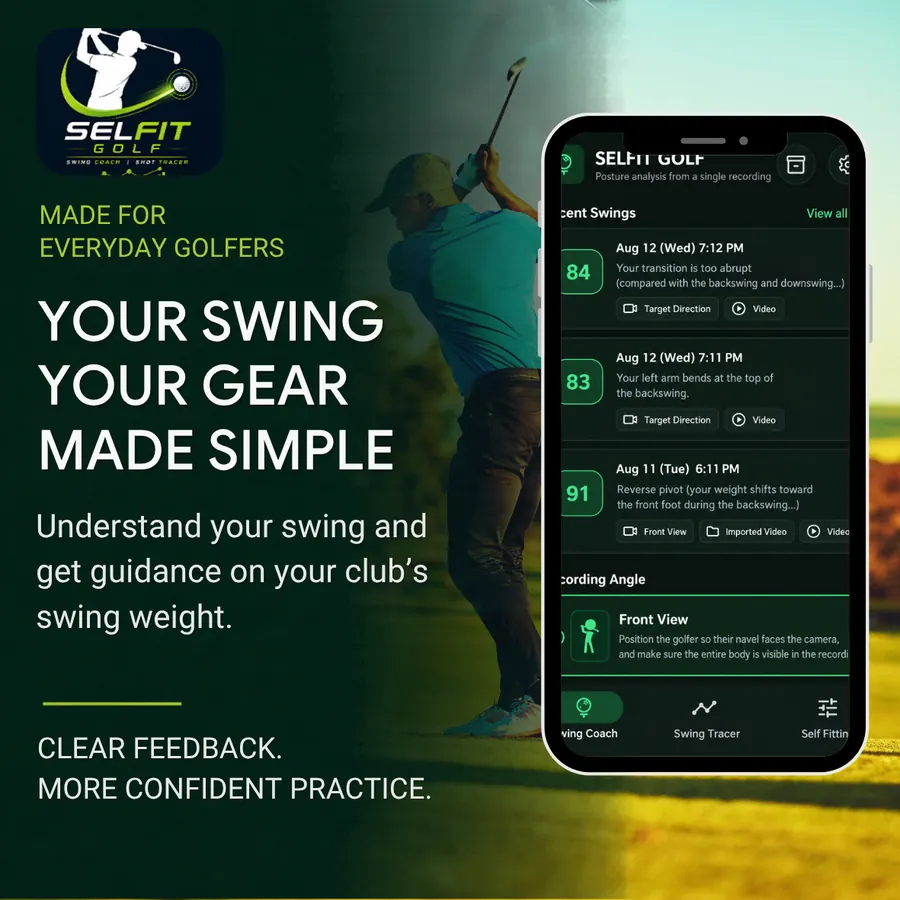
See what to fix first — in numbers

Record from the front or down the line, or import a video. Selfit Golf recognises your body, splits the swing into five phases — address, half backswing, top, impact and finish — and scores 18 measurements.

  • Tempo, head sway, spine angle, shoulder and hip turn, X-factor, weight shift and more
  • Your value side by side with the recommended range
  • Priority fixes with the likely cause and a practice drill
  • Skeleton overlay on every phase, and saved clips to compare with your last swing

Score by phase

  • Address92
  • Half backswing84
  • Top71
  • Impact63
  • Finish86
X-factor38°
Recommended35–50°

Practice drill

Wall drill — keep your glutes touching a wall through impact to stop early extension.

Shot Tracer

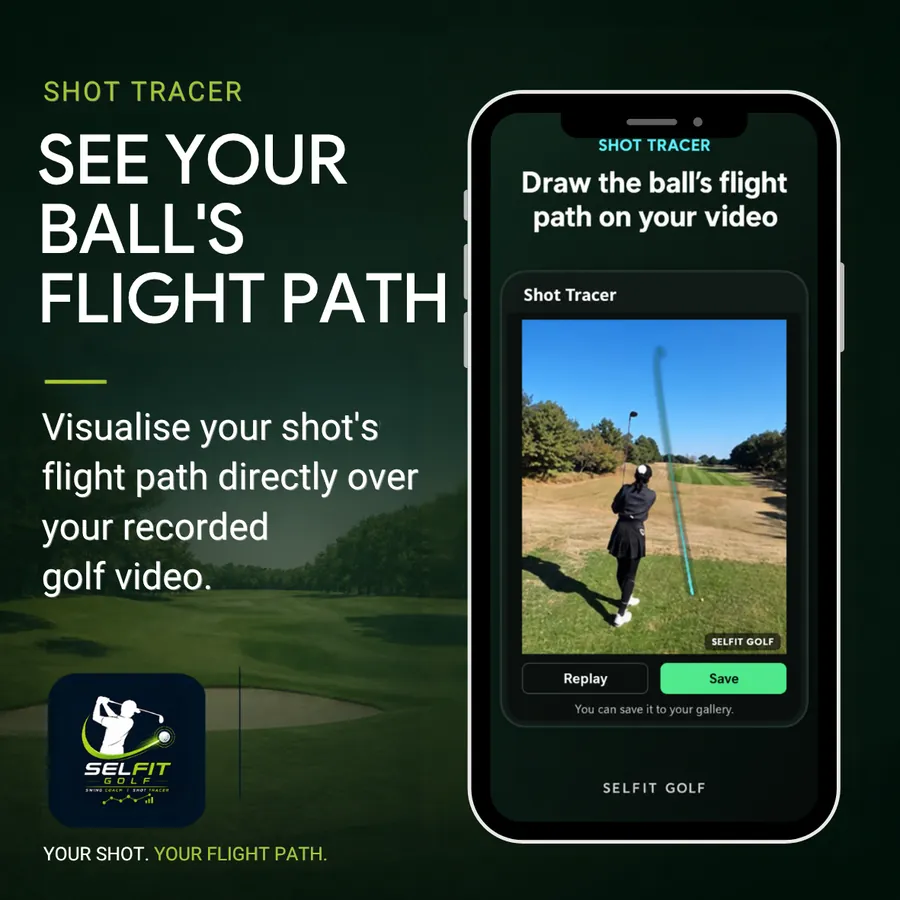
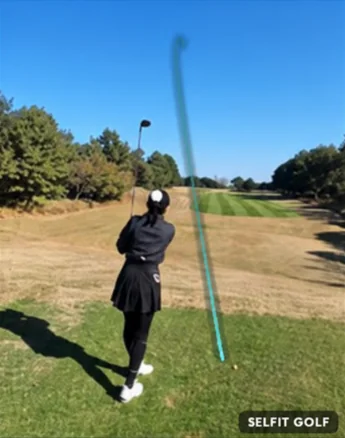
See your ball's flight path

Import a shot video, confirm the impact frame and tap the ball a few times. Selfit Golf solves a real 3D ball flight — gravity, drag, backspin and sidespin — and draws it right over your video.

  • Fades and draws curve the way they really do
  • Keeps drawing after the ball leaves the frame, all the way to where it lands
  • Save to your gallery or share it instantly

Shot tracer

Draw the ball's flight path on your video

A shot video with the ball's flight path drawn over it SELFIT GOLF
Replay Save

Self Fitting

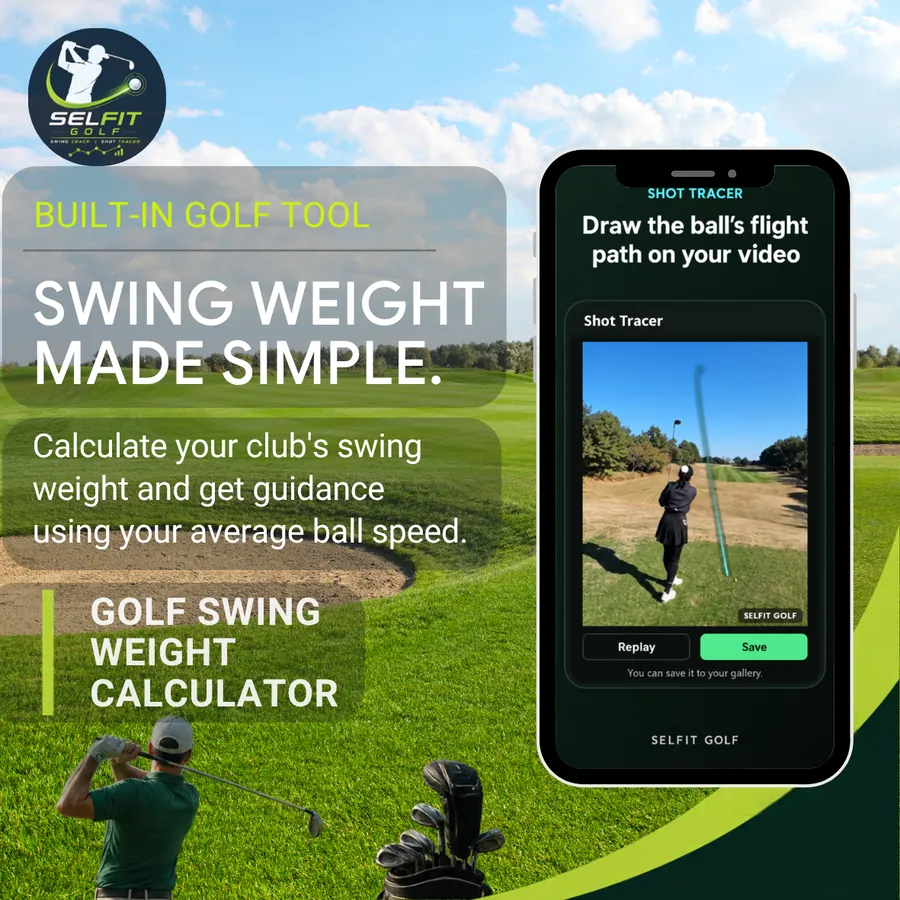
Swing weight made simple

Enter your club's total weight and balance point to get its swing weight, see how it suits your average ball speed, and simulate adding or removing head weight.

  • Lorythmic 14-inch fulcrum on the familiar A0–G9 scale
  • Recommended range for your ball speed
  • Grams to add at the head, worked out for your club length
Try the calculator

Self fitting

Swing weight

D2.0

Recommended for 140 mphD1 ~ D3

Right in range

  • Total310 g
  • Balance33.3 in
  • Length45.5 in

Putt DistanceNew

Tap the cup. Know the distance.

Standing at your ball on the green, open the camera and tap the hole. Selfit Golf finds the ground, plants a flag in the cup and shows the level distance in metres.

  • Augmented reality with ARKit on iPhone and ARCore on Android
  • Works even when the cup is beyond the detected surface
  • Tap anywhere else to move the flag

Requires a phone that supports AR.

Tap elsewhere to move the cup

From your ball to the cup

4.3mClear

How it works

Three steps. One swing.

  1. 01

    Record

    Set your phone on a tripod or lean it against your bag. Film from the front or down the line, with your whole body in frame.

  2. 02

    Analyse

    Pose detection runs on your phone. In seconds you get a score for every phase and every measurement.

  3. 03

    Improve

    Start with the top priority fix, follow the drill, then compare your next swing with the last one.

Try it now

Swing weight calculator

The same math as the app. Weigh your club, find its balance point and see where it sits on the scale.

Length unit

Swing weight

D2.0

Recommended for your ball speedD1 ~ D3

…

A starting point, not a fitting. How heavy a club should feel also depends on your transition and tempo.

Get the full Self Fitting tool in the app

Private by design

Your video never leaves your phone

Pose detection and analysis run entirely on your device. Your recordings and joint data stay with you — nothing is uploaded to a server.

  • No account or sign-up
  • Videos and results stay on your device
  • English and Korean

FAQ

Good questions

Is Selfit Golf free?

Yes. Selfit Golf is free to download and use. The app shows ads.

Which phones does it work on?

iPhone (App Store) and Android (Google Play). Putt Distance needs a phone that supports ARKit or ARCore.

How should I film my swing?

Fix the phone on a tripod or lean it against something steady. For the front view, face the camera with your navel. For down the line, the camera looks toward your target. Keep your whole body in frame.

Are my videos uploaded anywhere?

No. Recognition and analysis happen on your phone. Your videos and joint data are stored only on your device.

How accurate is the Shot Tracer?

It draws a flight path solved in 3D so you can see the shape of your shot. It is a visual tool, not a launch monitor — distance and speed figures are not measurements. Simple backgrounds like sky and grass work best.

Which languages are supported?

English and Korean, in the app and on this site.

Ready when you are

Take a closer look at your swing.

Download Selfit Golf and discover the tools designed for everyday golfers.

QR code that opens Selfit Golf in your phone's app store

Scan with your phone to download